Any age, any level
From primary school to adult education - challenges scale to your audience. A ten-year-old and a workshop participant can both have a great time with the same platform.
Students learn by doing - not by watching slides. Create interactive scavenger hunt experiences for school trips, onboarding and workshops.
From primary school to adult education - challenges scale to your audience. A ten-year-old and a workshop participant can both have a great time with the same platform.
Students use their own phone. Works in a classroom, a museum, a city square or a forest. No tablets, no printed worksheets, no technical setup required.
Monitor who has completed what, what has been submitted and who might need a nudge - all from your own device, in real time.
Teams tackle challenges together. Discussion and peer learning happen naturally - without anyone having to force it.
Mix challenge types to match your learning objectives - whether you are teaching history in the city, science in the field or running a professional workshop.
Students document, observe and interpret. Recreate a diagram from real life, find something that represents a historical period, or photograph evidence for a science task. AI Jury reviews each submission automatically - no manual grading pile.
Challenges that only unlock when students arrive on-site. Perfect for structured city tours, museum routes and campus orientations - they have to be there to do it, which keeps the group moving forward.
Check understanding on the spot. Multiple choice, open questions or quick knowledge checks between physical tasks. Immediate feedback keeps the learning loop tight and shows you what landed.
Ask students to explain what they just learned in 30 seconds. Articulating something in your own words locks it in far better than passively reading about it - and the results are always worth watching back.
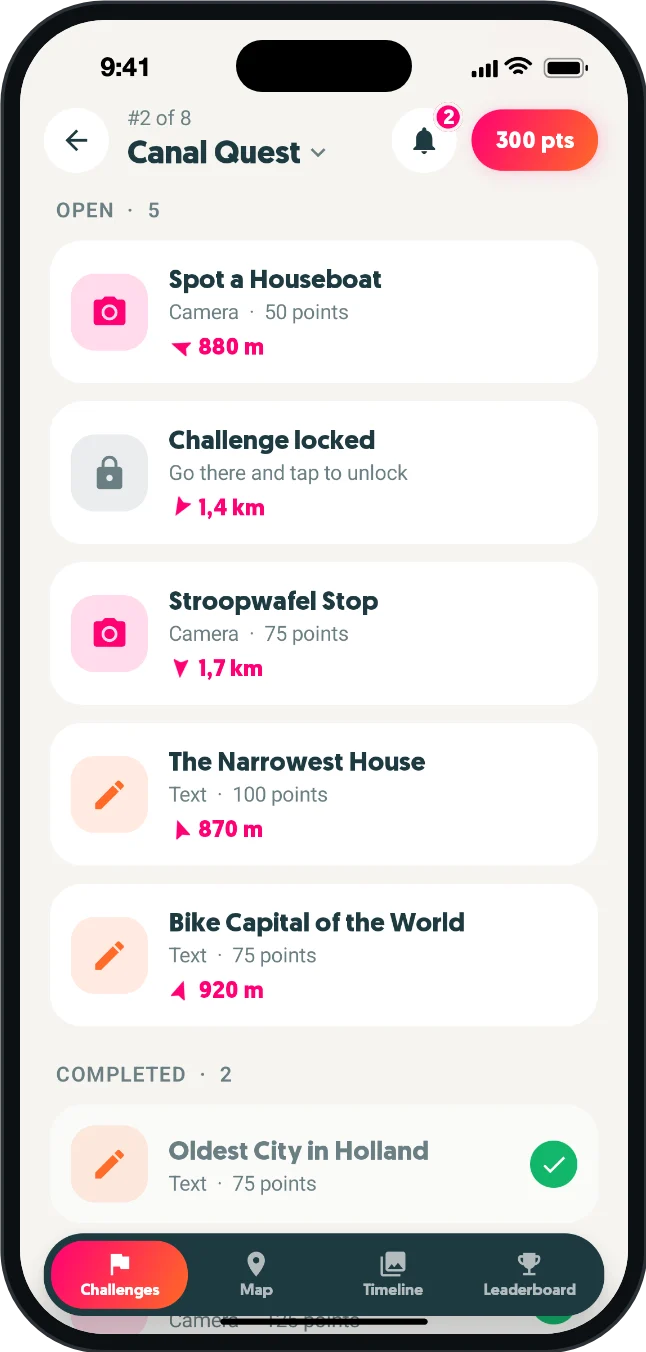
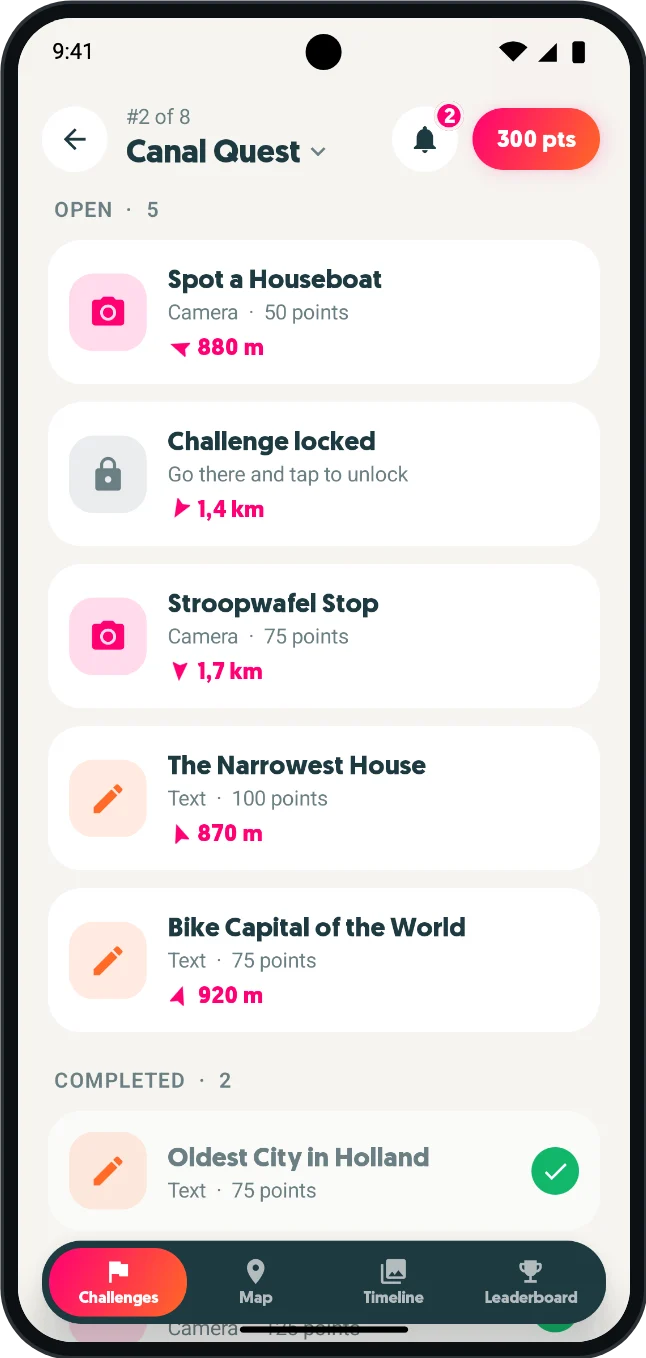
From primary school field trips to professional development workshops - HuntHopper adapts to your audience and your goals.
Turn a museum visit, city trip or nature walk into a structured discovery mission. Students complete challenges at each stop and submit photo evidence - the teacher monitors live progress from the sideline without having to run between groups.
Help first-year students discover buildings, facilities and campus resources through a guided hunt. A practical introduction that removes first-week anxiety without anyone having to run a tour.
Add an active component to a workshop or training day. Photo and quiz challenges reinforce key takeaways and anchor learning in the real environment - no extra materials needed.
Less setup work for educators, more active engagement for students - from the first challenge to the final leaderboard.
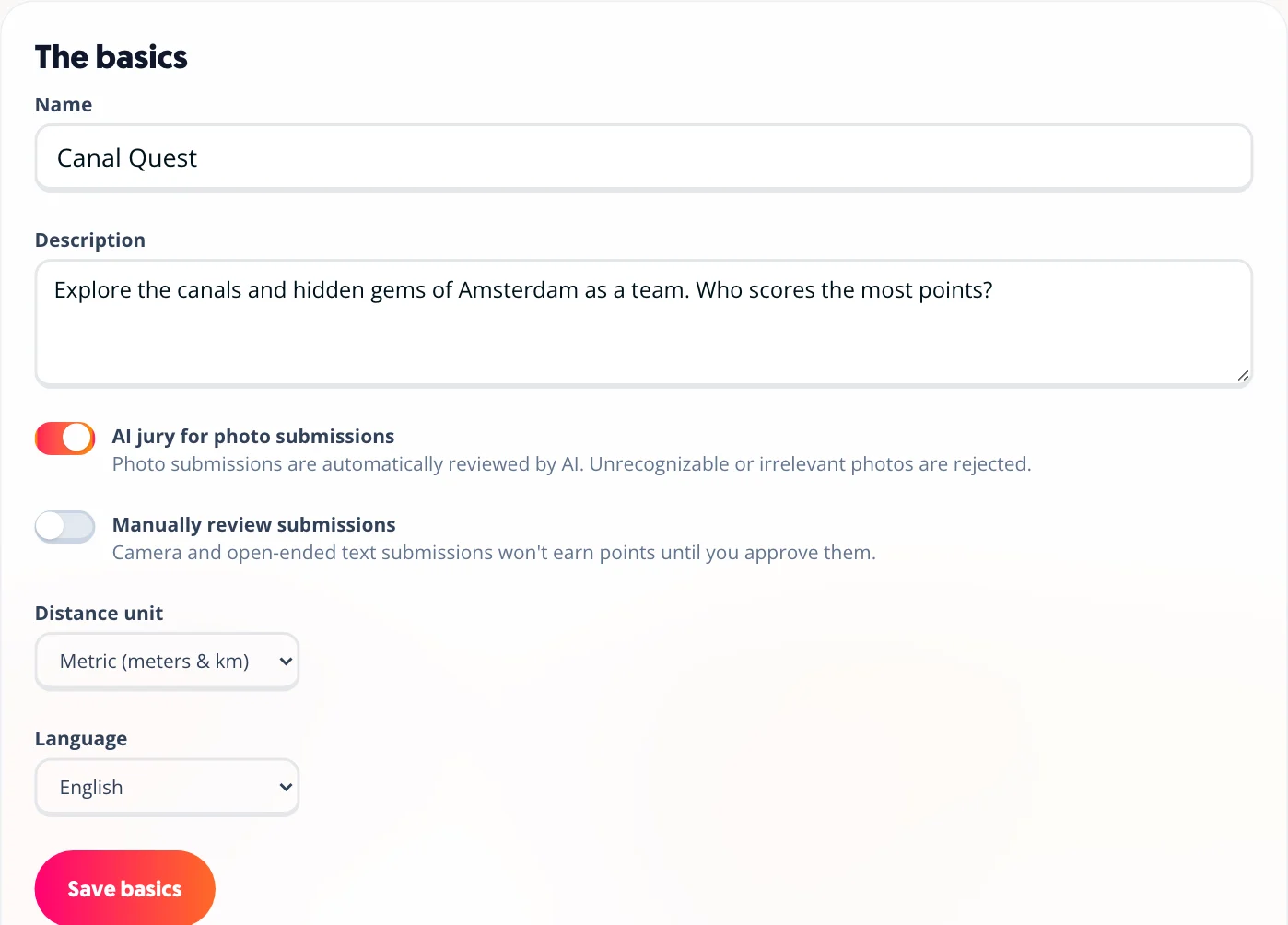
Photo and video submissions are reviewed and scored automatically. Run a field trip with 30 students submitting photo evidence without reviewing a single image by hand - and override any decision in one click if needed.
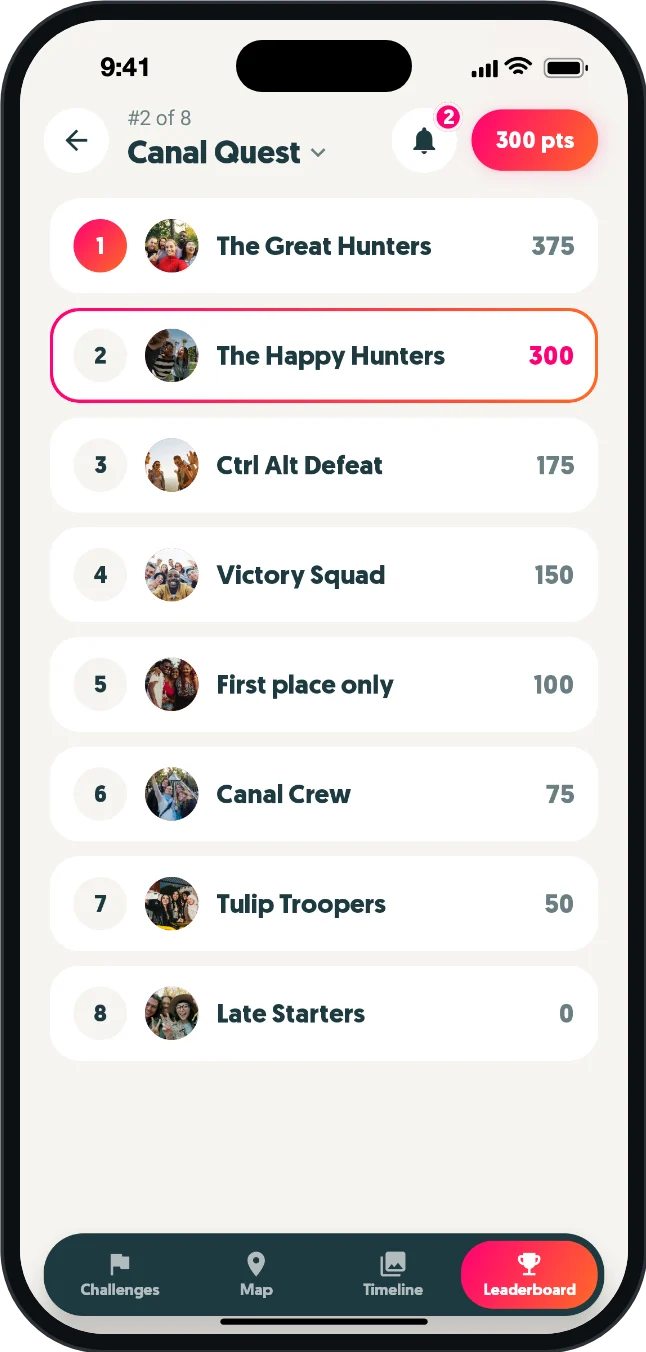
See who has completed which challenges live. Spot students who are falling behind and send a nudge before the session ends - without having to physically check on every group.
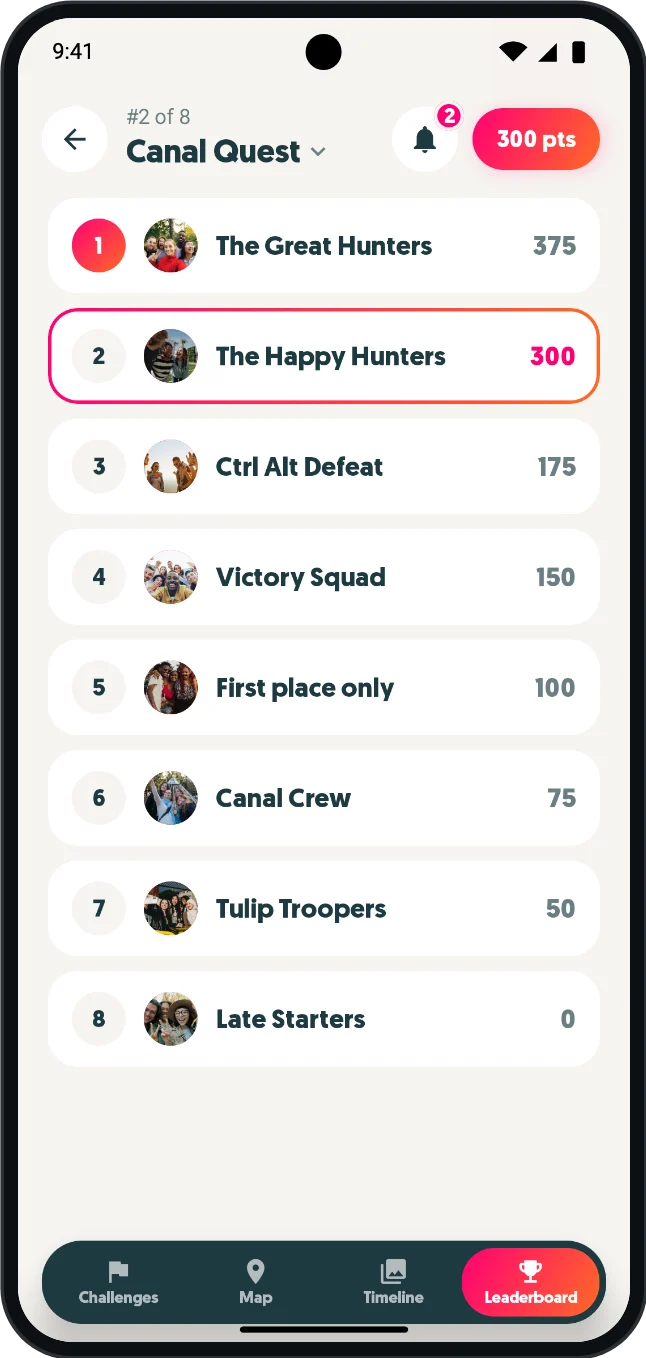
Pre-assign students to teams before the session, or let them form their own groups. Mix classes or ability levels for new connections - or keep existing groups together if that works better.
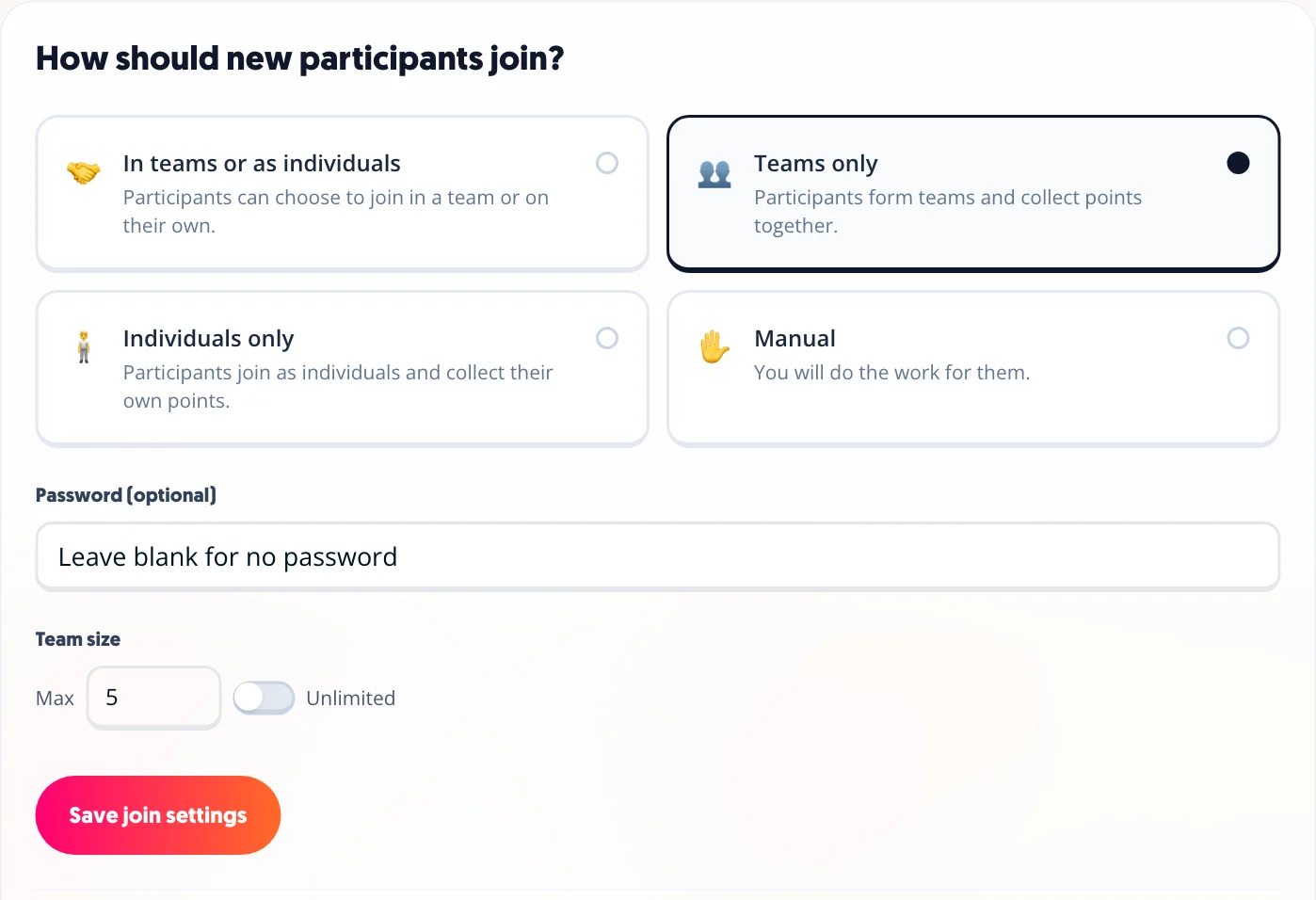
Watch a live feed of photos, videos and completed challenges as they come in. Put it on a screen during the debrief and let students see each other's submissions - always a good conversation starter.
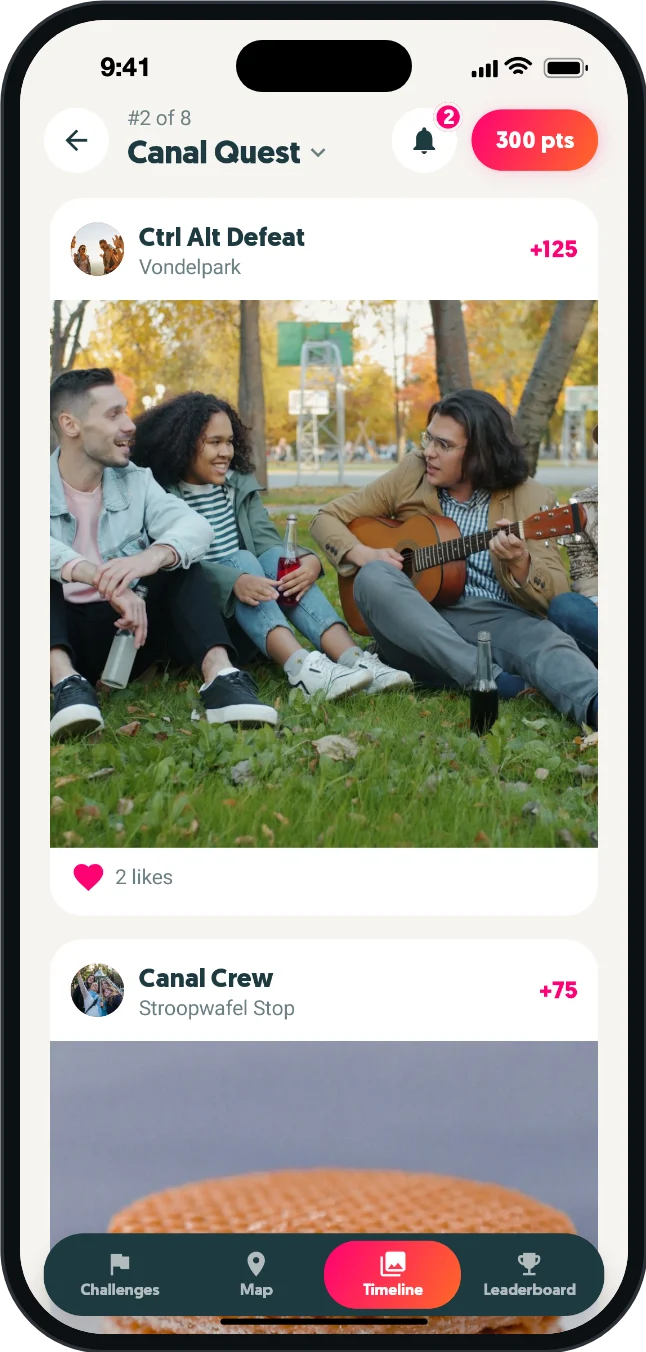
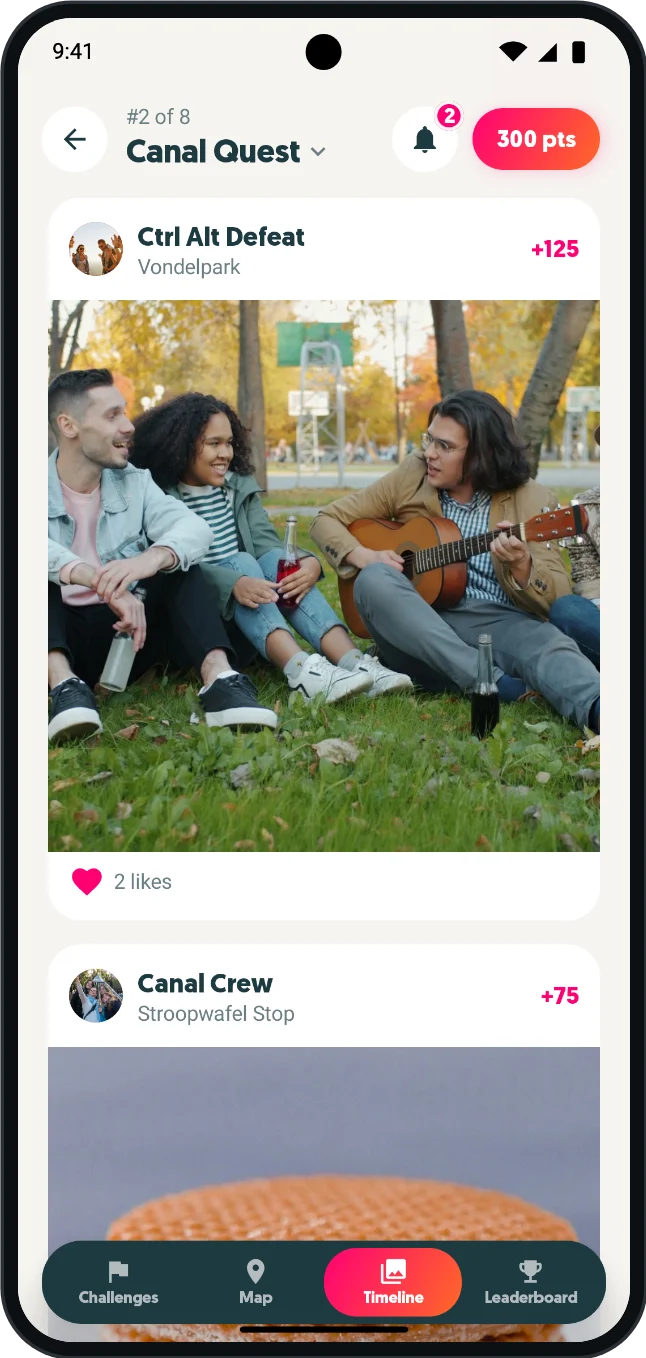
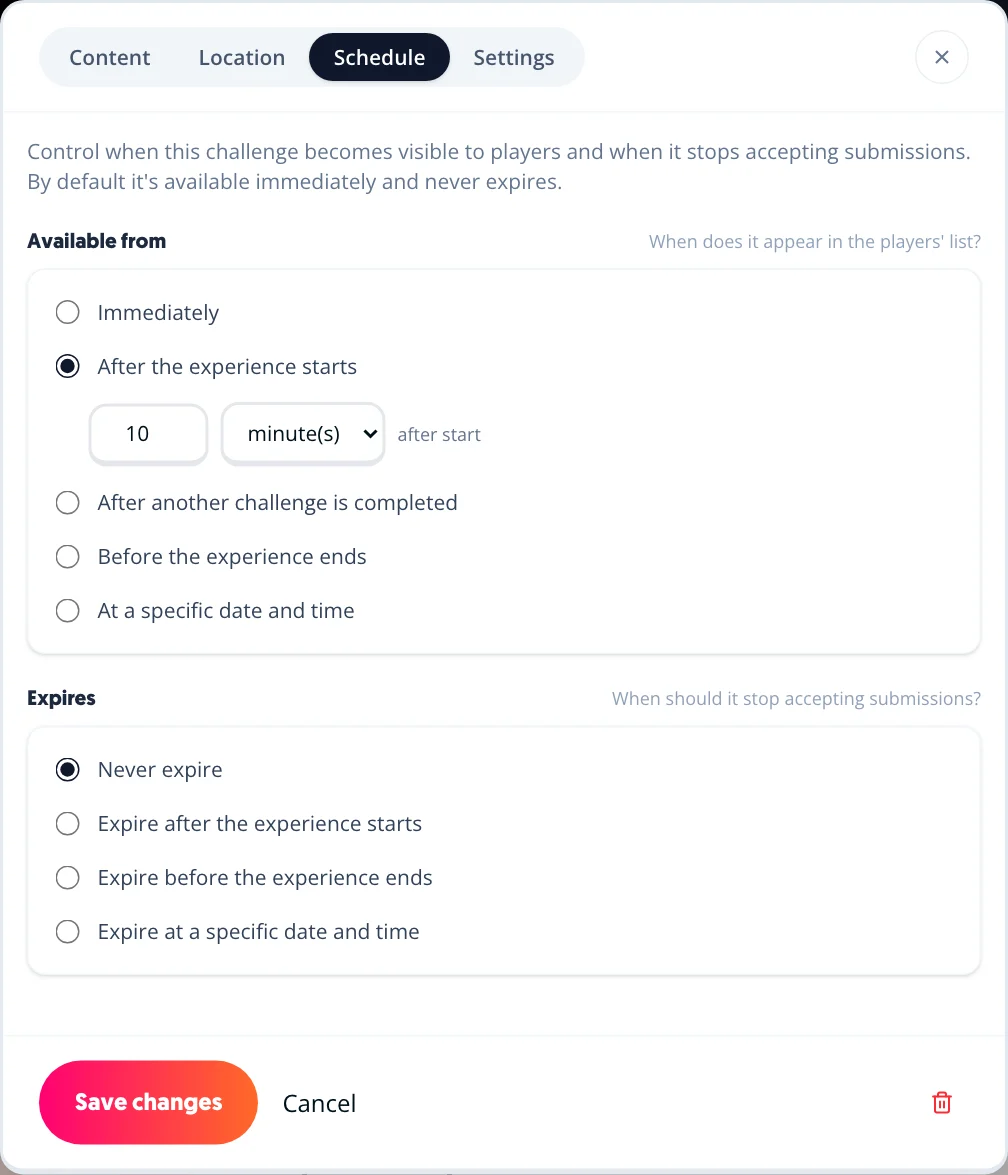
Schedule a game to launch automatically on the day of a field trip or at the start of a workshop. Set it up in advance and it starts itself - no scrambling on the day.
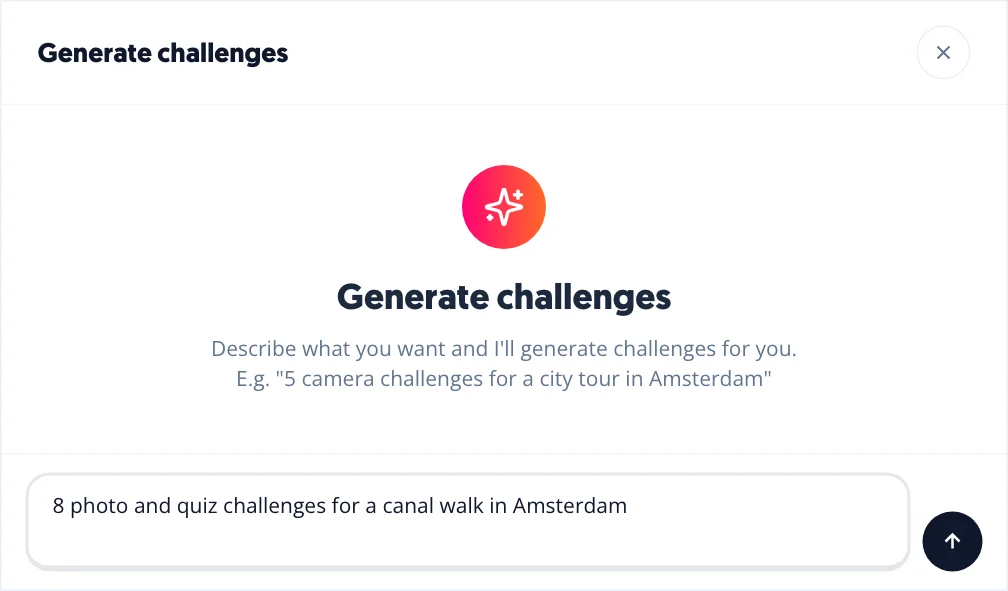
Describe the location, topic or learning objective and the AI builds a ready-to-play challenge set for you. Useful when you are preparing a new trip or adapting for a different age group.
Free to start. No technical setup required.